Foundation, Before You Post Once
No filming, no talking to a camera, no personal-brand pressure. People follow the page for what it posts. Anyone can run one, including you, starting today.
- Business email — a free Gmail works fine, keep it separate from your personal one
- Handle — short, spellable, ideally the same across every platform
- Switch to a Creator/Business account (Settings → Account type) — you need this for analytics from day one, and it's free
- Logo — a simple text mark or icon in Canva (free), nothing fancy, just consistent
- Bio — one line on what you post about, one line on the promise it makes to whoever reads it
- Newsletter tool — Beehiiv's free tier is enough to start; you won't need it until Module 07, but it takes 5 minutes to set up now
Finish all six today or tomorrow. Don't let "the perfect logo" become the reason you haven't posted yet — you can always update it later without losing followers.
Every option below runs on the same engine: find content that already resonates in that space, give it one consistent identity, post it often. Pick based on what you'd genuinely enjoy researching for 30+ days straight — that predicts follow-through better than which niche is theoretically "best."
Pick one today. Write it down somewhere you'll see it. You're committing for 30 days, not forever.
Beginners get stuck in almost exactly three ways: overthinking the niche (you just fixed that in Module 02), overthinking the logo or aesthetic, or waiting to feel like they know enough first. None of those are real blockers — a phone and twenty minutes is enough for post one.
The pages that actually take off are run by people who treat their posting window like a fixed appointment — same time block, most days, no renegotiating the decision every morning. You don't need motivation for that. You need the decision made once, in advance.
Pick a daily time block — even 45-90 minutes — and treat it as fixed for the next 30 days, not something you'll "find time for."
The Content Engine
Every page I studied before starting had one thing in common: they weren't inventing anything from scratch, they were remixing strong existing material with their own layer on top. Your job isn't to copy what's working — it's to find it, then change at least one real thing: your own commentary, a different pacing, a different visual choice. Never post a 1:1 copy.
- 01Find 5-10 accounts already succeeding in your niche
- 02Watch their last 30 posts — note which ones clearly outperformed the rest
- 03Identify the pattern: is it the topic, the pacing, the caption, the audio?
- 04Build a running list of 15-20 source ideas before you edit a single post
Why start with short-form video (Reels/Shorts), not carousels or photo posts: the algorithm actively pushes short-form video to people who don't follow you yet — that's how a page with zero followers gets its first real exposure. Carousels tend to perform best with an audience that's already following you and used to seeing your content. Carousels become powerful later (see Module 08) — they're a poor first move for a brand new page with nobody to show them to yet.
| # | Page link | What I liked | What worked (last 3-6mo) | How they monetize |
|---|
CapCut is the easiest starting point if you've never edited video before — it's free, and its built-in auto-captions handle the most tedious part of editing for you. Other editors work fine too (Premiere, DaVinci, InShot) — CapCut is just the lowest-friction place to start.
Watch for watermarks. If you download source clips through a third-party downloader site, they often stamp their own watermark on the video — and if you're on CapCut's free tier, check your export settings, since it can add a small "CapCut" watermark unless you turn it off. Visibly reposted or watermarked video tends to get suppressed reach, so strip it before you post.
- ChatGPT or ClaudeRough drafts for angles and captions — rewrite the output in your own words before posting.
- Opus ClipTurns a long video (a podcast, a talk) into several short clips automatically — useful once you're sourcing from longer footage.
- Canva AIQuick background removal, resizing, and simple graphics for your logo or covers.
Research once, then execute for days without stopping to search again.
I'm showing you this as an example, not a template — motivation/discipline called for something aggressive and stark. Your niche might call for something completely different: soft and warm, bright and playful, minimal text-only. Pick one simple thing you can do consistently without an expensive setup. That's the actual lesson.
Comments — agreement or disagreement — are still the signal that matters most to the algorithm, whatever tone you choose.
Pick one visual treatment and apply it to every post for the full 30 days. Don't change it up.
Volume and the Funnel
3 posts a day for 30 days is roughly 100 posts. Somewhere in there, one hits — and that's the post that flips the algorithm from ignoring you to pushing you. After that, it snowballs: more views, more comments, more reach, repeat. The hard part isn't the editing. It's not quitting at post 20 when nothing's happened yet.
Post manually, not through a scheduling app. Third-party tools that auto-publish on your behalf tend to get less reach than posting directly in the app — platforms generally favor content published natively over content pushed in through an API. The workaround: batch your editing (do a week's worth in one sitting), but keep publishing manual. Save your finished videos and captions in order — a private Telegram group to yourself, a notes app, whatever you'll actually open — and when your posting time hits, open the app, download the next one, post it directly. Takes about two minutes a day and keeps full native reach.
Log a post every day you publish. Tap any day below to set or correct the count — the streak is what keeps most people going past the point they'd normally quit.
Growing followers doesn't pay the bills by itself. You need somewhere to send them — and something worth giving them in exchange for showing up.
Your freebie doesn't need to be complicated. The ones that convert best are usually the simplest: a quick-win checklist, a short template, a one-page guide that solves one specific problem in your niche. Something someone can actually use in five minutes, not a 40-page PDF nobody opens. Test 2-3 different freebie ideas early and keep whichever one gets the most signups.
I used ManyChat: someone comments a keyword, they get a DM with a button that sends them straight to my Beehiiv signup page — that's where they actually enter their email and land on the newsletter list, not inside the DM itself. Beehiiv then delivers the freebie automatically through its welcome email.
Build your freebie first, set up the Beehiiv signup page with it attached to the welcome email, then connect the ManyChat button to that page. Test 2-3 freebie ideas early, then stick with the winner.
Multiply Your Reach Without Multiplying Your Hours
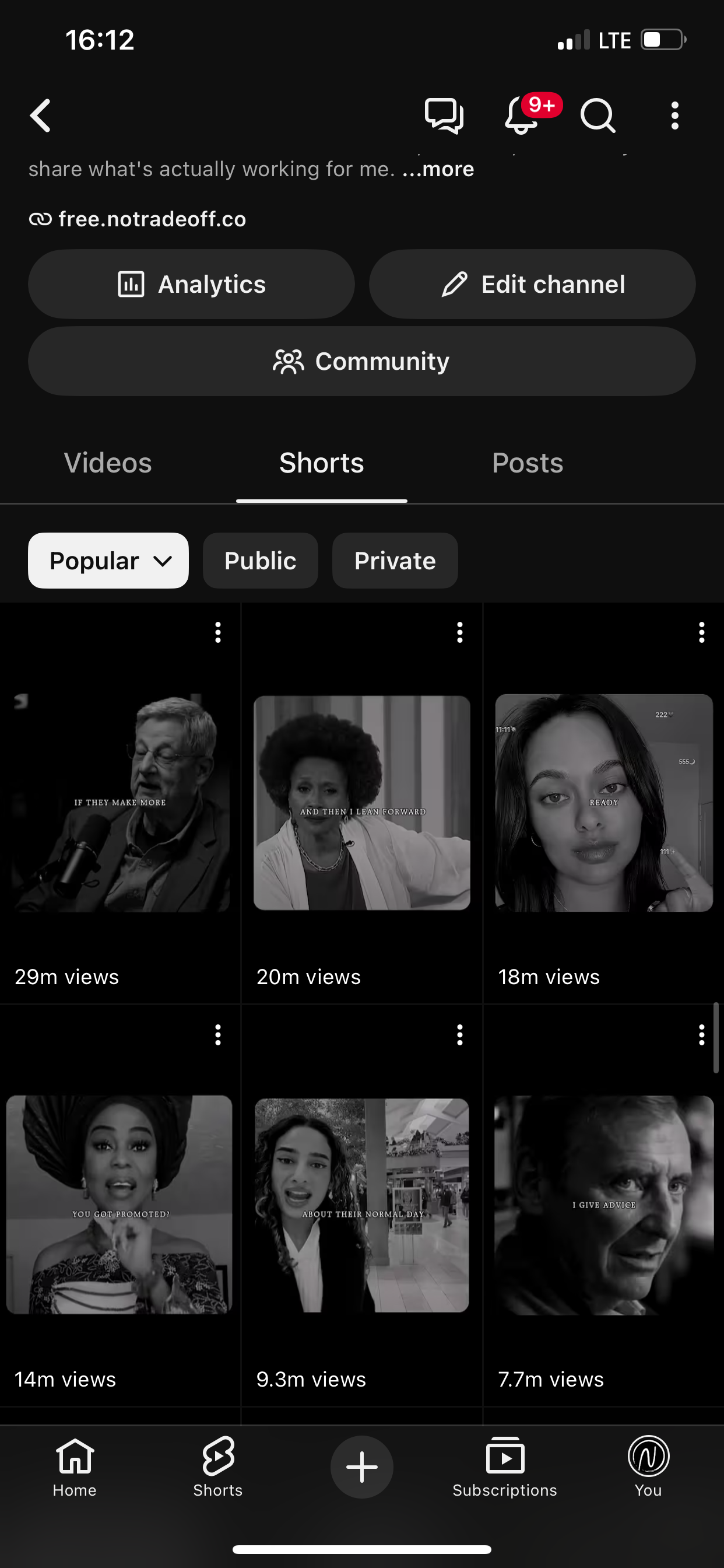
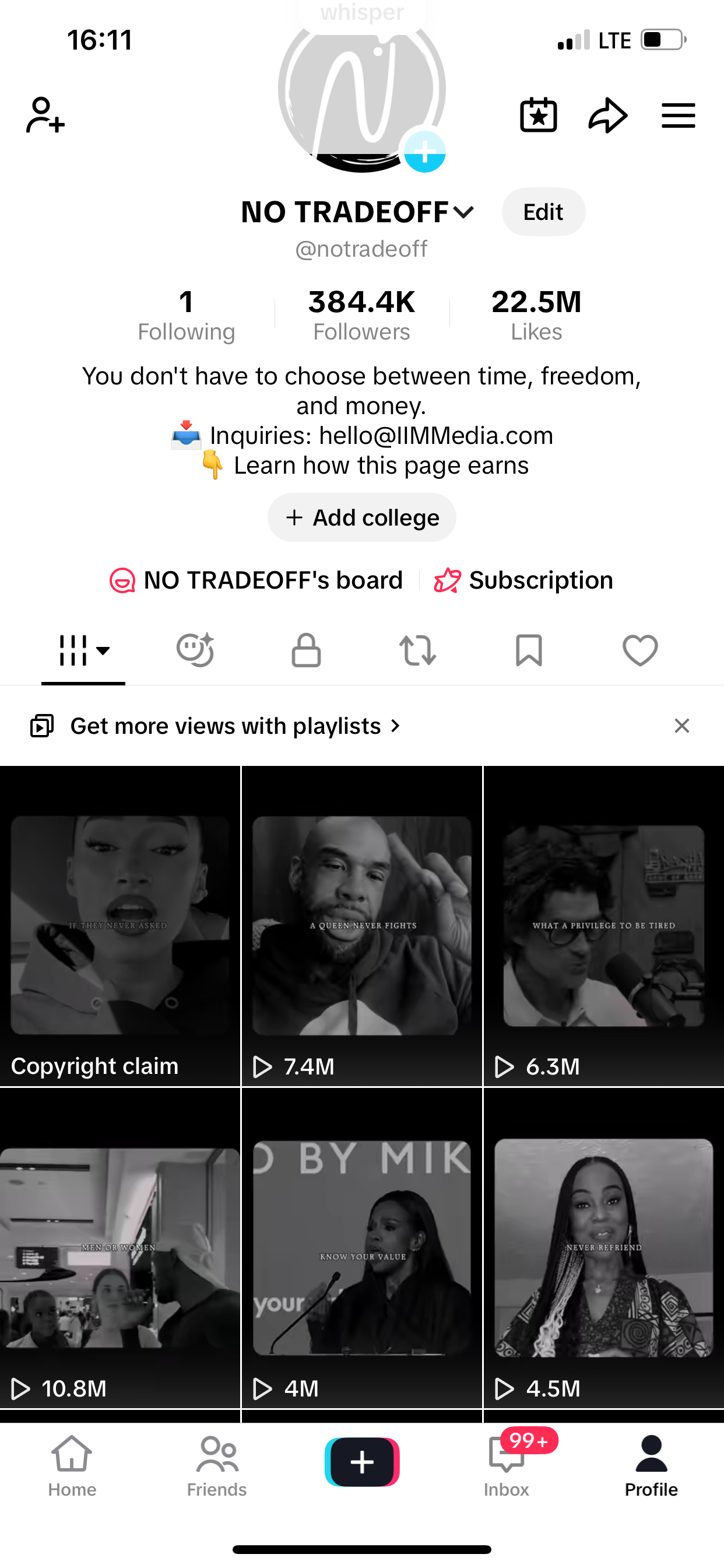
TikTok and YouTube Shorts: repost the same content, no extra work. YouTube can get monetized through its Partner Program once you clear their thresholds — free extra income on autopilot.
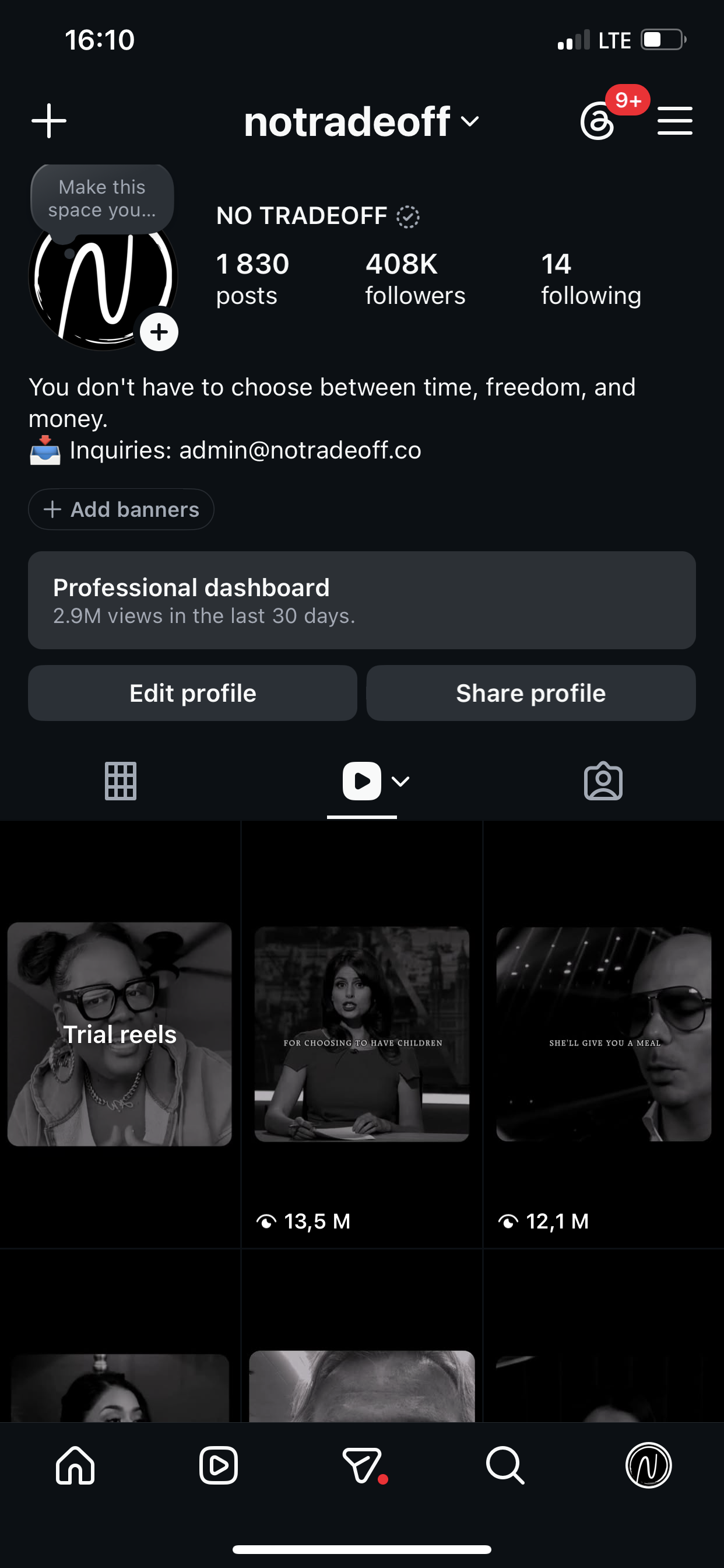
Carousels are different — that's a real format shift, not a repost, and it's worth waiting for: once you have a real base (50K-100K+), carousels tend to out-convert short-form video for comments and newsletter signups. That flips Module 04's advice, because by this point you already have an audience to show them to, instead of strangers who still need discovering.
Repost your best content everywhere first, no extra effort. Only build something new once you've got a real base — don't split your attention too early.
Two lessons that came from actually screwing this up: First, once a style goes viral, don't touch it — I kept "improving" working formats and it confused my audience, and it took longer to go viral again each time I switched.
Second, keep your daily content time under 1.5-2 hours so the routine survives past week two. Once there's some revenue, a video editor VA for $3-5/day (under $200/month) can take over the busywork while you do quality control — but learn it yourself first, so you know what "good" looks like.
When something works, ride it longer than feels comfortable. And if posting eats more than 90 minutes a day once you have revenue, start pricing out a VA.
Nine steps, four phases, thirty days. Come back any time — your progress is on your account, not just this device.
My mentor and I teach this one-on-one.
If you want direct guidance instead of working through this alone, my mentor and I take on a limited number of people for 1:1 coaching. Email admin@notradeoff.co with the keyword MENTOR and we'll send you the details.